Creative
Iconography
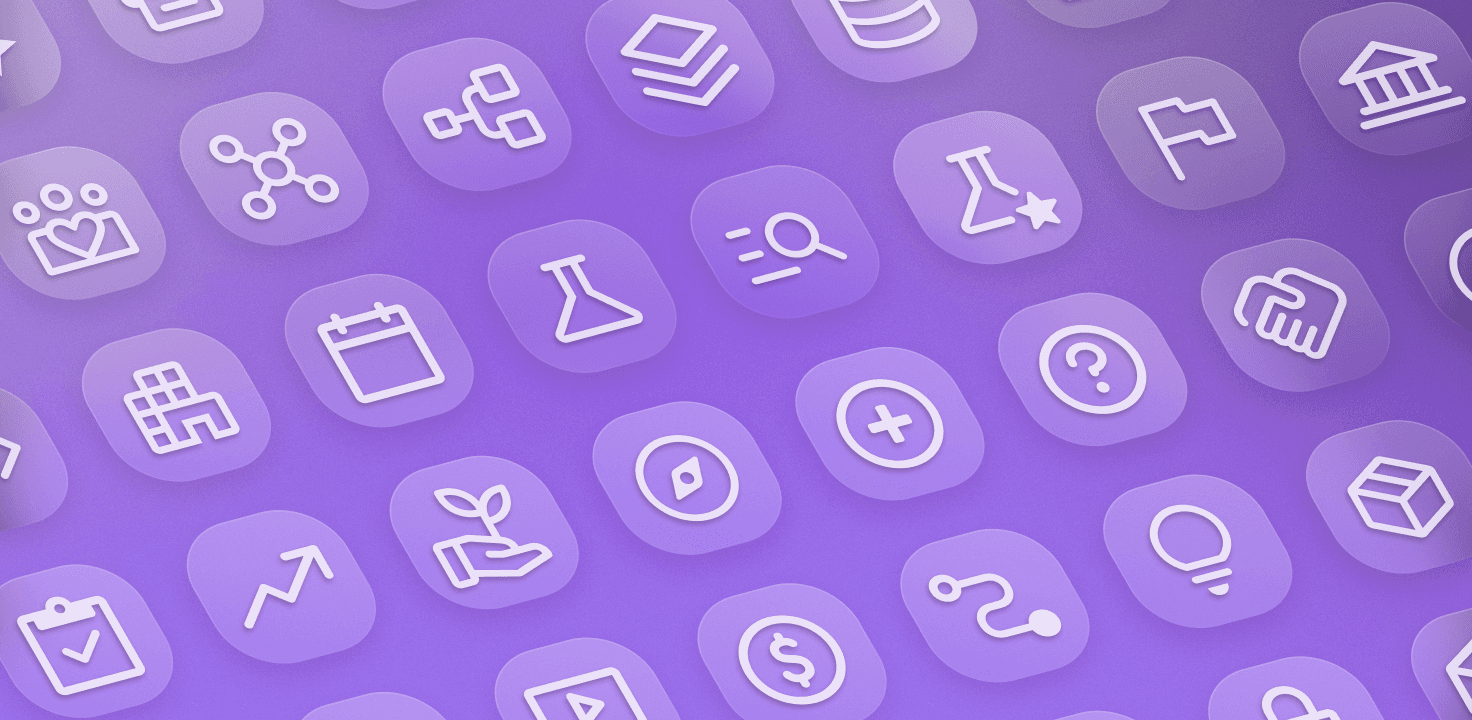
Iconography is a method for us to depict our offerings or complex ideas through symbolic representations. These icons help our customers identify actions and navigate content across our marketing and product quickly. We present our iconography in standalone instances as well as placed within a stylized brand container.
Action expressions
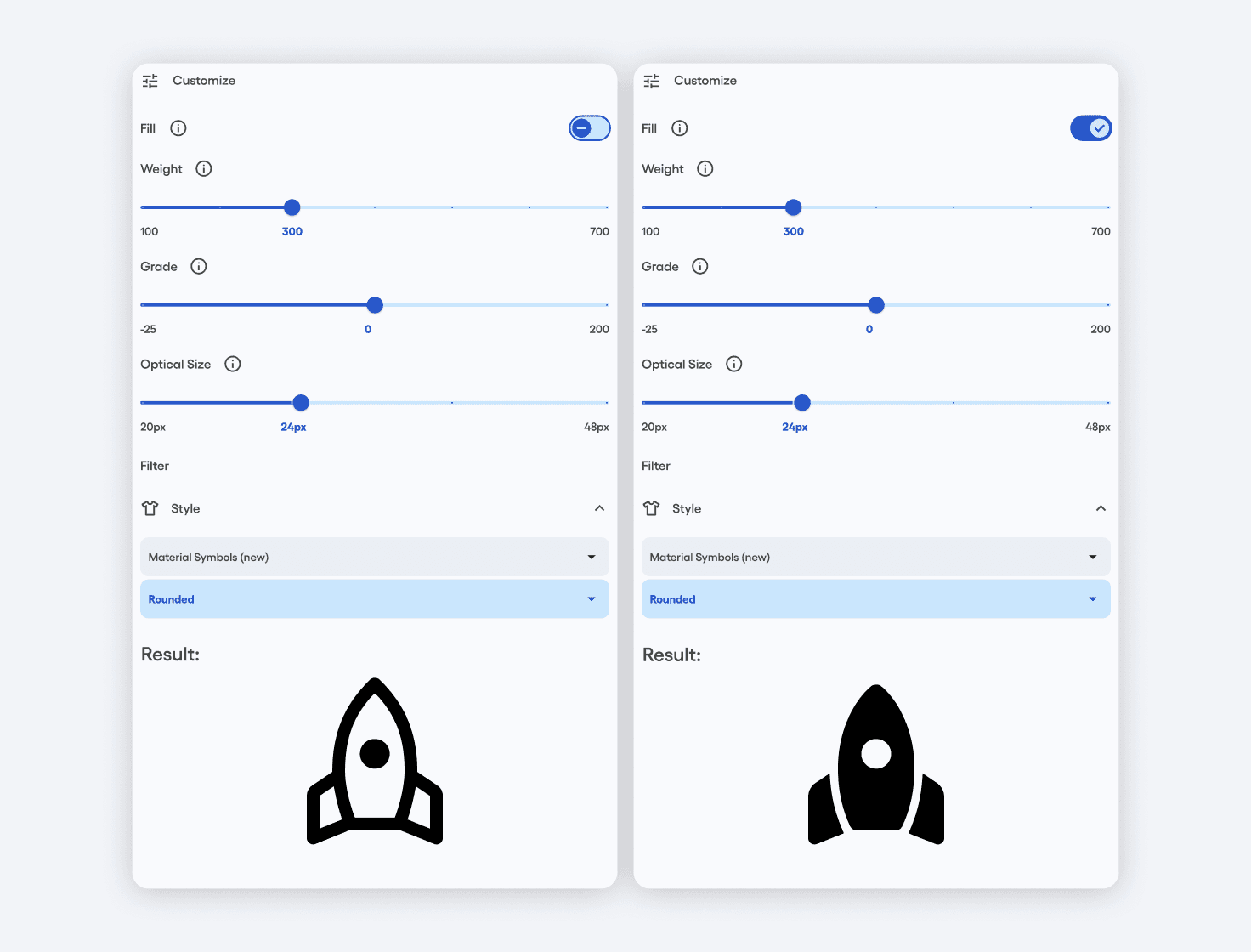
We leverage Google Material Symbols to build out our iconography. We use the following properties when adding to our icon library:
Rounded
Weight: 300
Fill: Off & On
Grade: Normal
Optical size: 24px
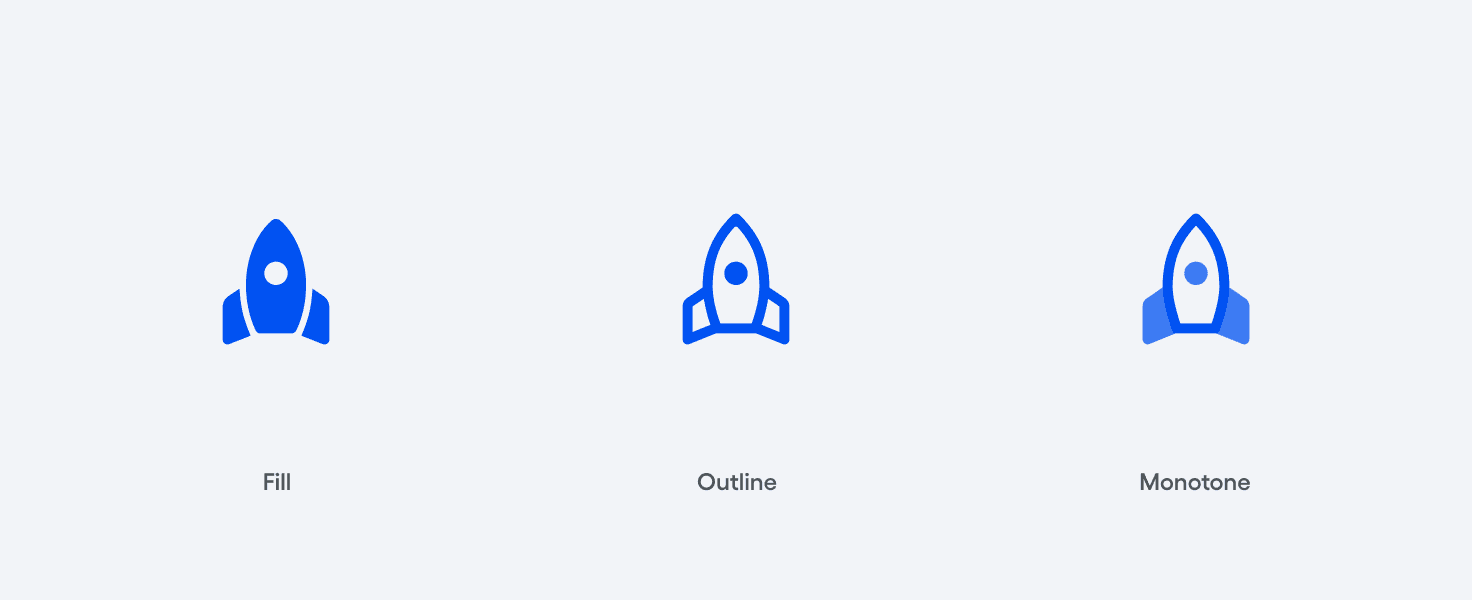
We have three icon states across our icon library: Fill, Outline, and Monotone. Monotone states of our icons blend elements of Fill and Outline states together to create a visually nuanced variation.
Icons in containers
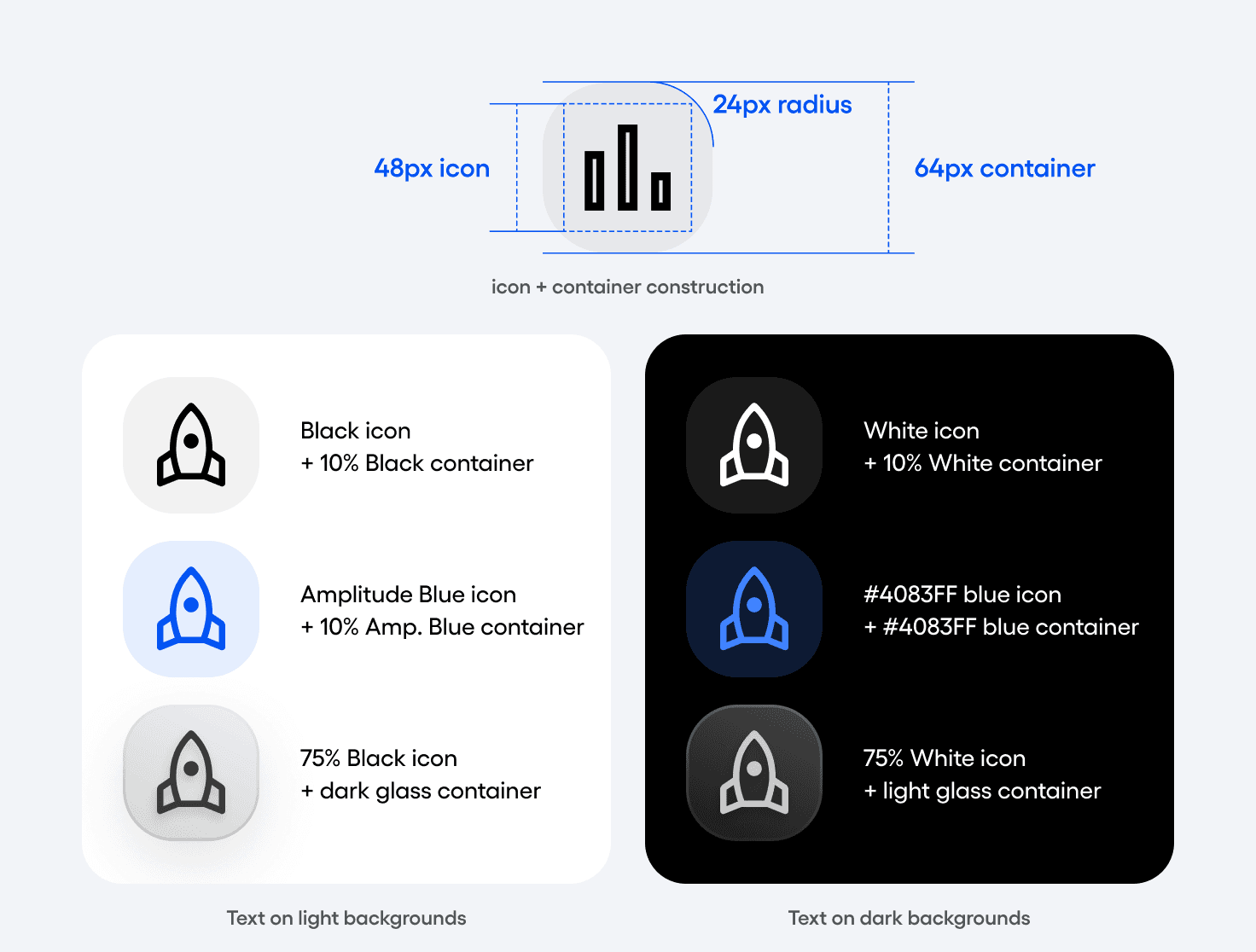
Icons can be used as standalone elements, or placed within container rounded square shapes. We express icons in containers across three color states: neutral, blue, and glass. Each color state has a configuration for light and dark backgrounds.
Colorization
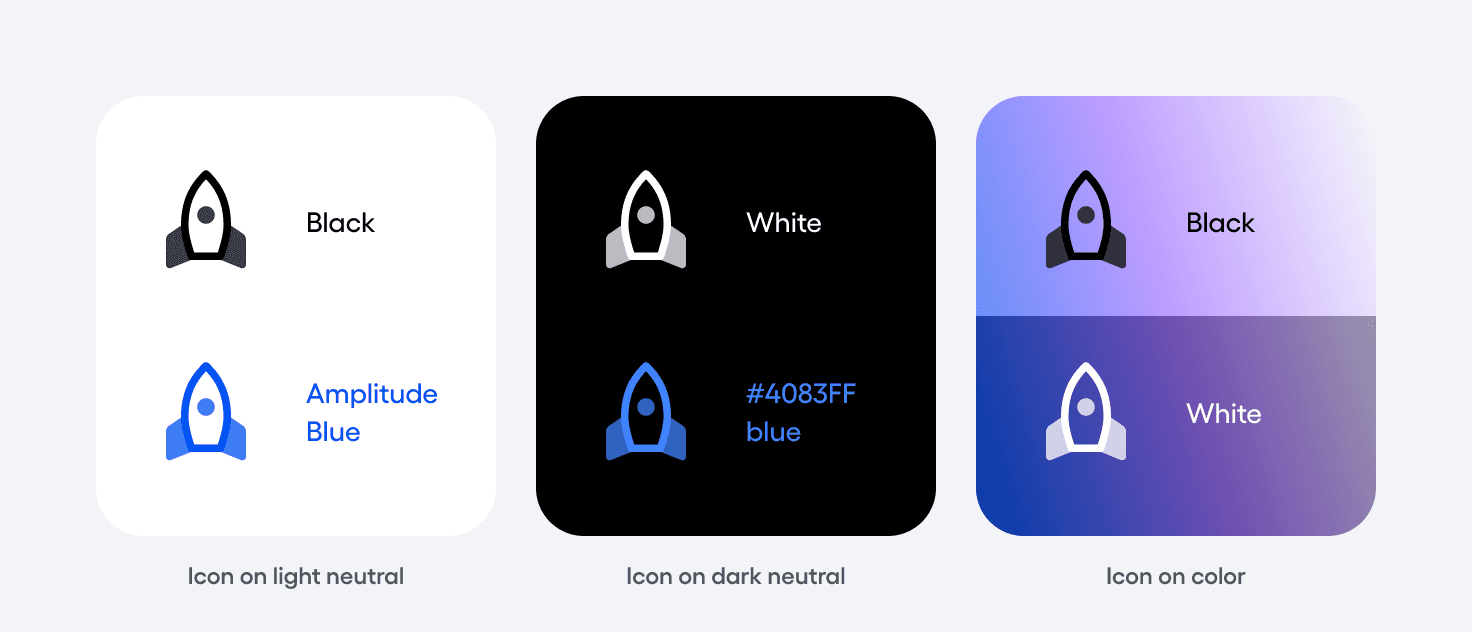
Like our type treatment, icons should lead in our neutral black or white states, ensuring legibility is prioritized. In moments where color is necessary, our icons may be colored in blue – Amplitude Blue against light neutrals or hexcode #4083FF against dark neutrals.
Note that blue icons are not permitted against any color backgrounds. Secondary colors should never be applied to icons, unless approved by brand.
Alignment
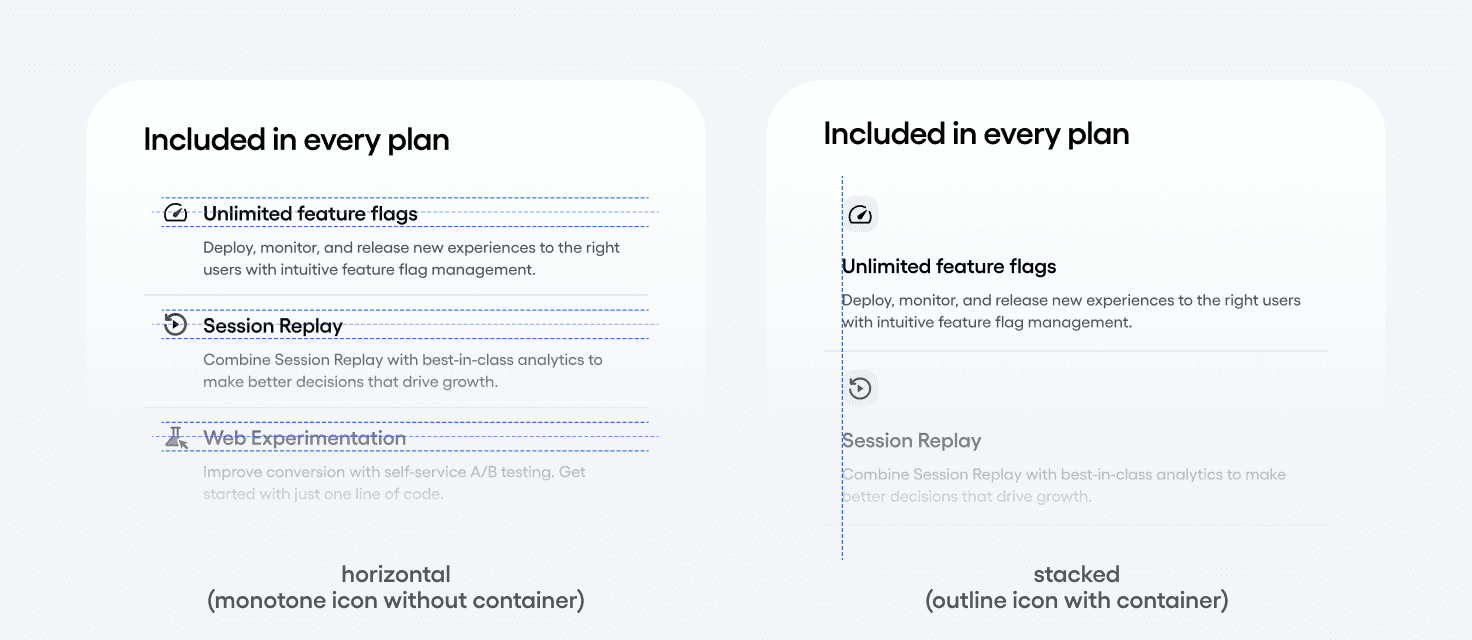
When icons are in the same row with text, express them in their monotone state with no container. When icons are stacked with text, express them in their outline state within the container shape.
Have questions?
Slack us @brand in the #marketing channel (internal Amplitude users only) or submit a request form.
Social
© 2026 Amplitude, Inc. All rights reserved. Amplitude is a registered trademark of Amplitude, Inc.