Creative
Color
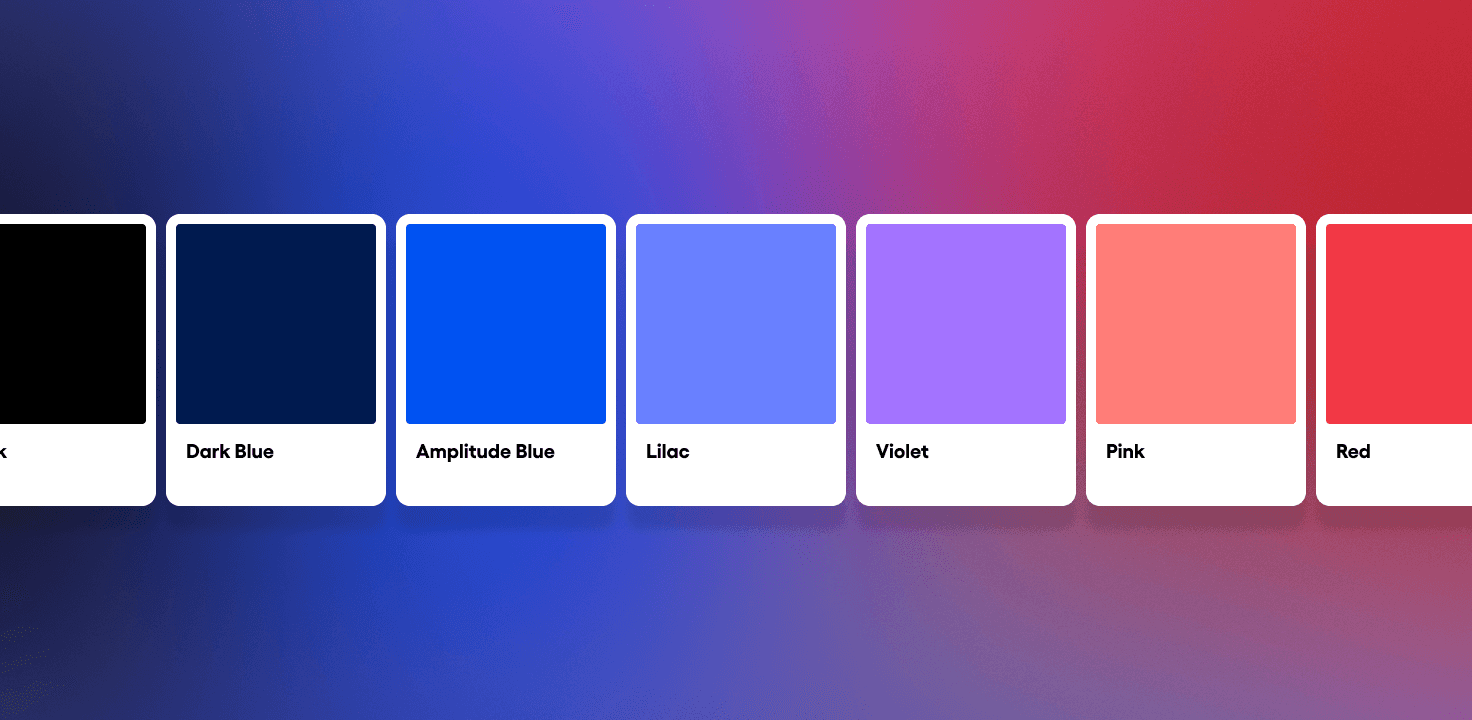
Our brand’s visual language is enriched by its vibrant and analogous color palette. All of our hues work together to create a balanced, ownable aesthetic. Our complete palette is made up of both colors and neutrals.
Primary colors
Amplitude Blue, Black & White are the core colors of our visual language.
Amplitude Blue
HEX: 0052F2
RGB: 00, 82, 242
HSB: 220°, 100, 95
CMYK: 100, 49, 0, 28
PMS: 300 C
Black
HEX: 000000
RGB: 0, 0, 0
HSB: 0°, 0, 0
CMYK: 60, 40, 0, 100
PMS: Black 6 C
White
HEX: FFFFFF
RGB: 255, 255, 255
HSB: 0°, 0, 100
CMYK: 0, 0, 0, 0
PMS: NA
Secondary colors
A suite of five colors accent our primaries, adding tonal energy.
Dark Blue
HEX: 001A4F
RGB: 00, 25, 80
HSB: 220°, 100, 31
CMYK: 100, 69, 0, 62
PMS: 2758 C
Lilac
HEX: 6980FF
RGB: 105, 128, 255
HSB: 231°, 59, 100
CMYK: 58, 38, 0, 15
PMS: 2718 C
Violet
HEX: A373FF
RGB: 162, 115, 255
HSB: 261°, 55, 100
CMYK: 29, 43, 0, 17
PMS: 2655 C
Pink
HEX: FF7D78
RGB: 255, 125, 120
HSB: 2°, 53, 100
CMYK: 0, 46, 48, 5
PMS: 2029 C
Red
HEX: F23845
RGB: 242, 55, 68
HSB: 356°, 77, 95
CMYK: 0, 78, 69, 4
PMS: 1787 C
Gray colors
A series of cool grays are available to support our compositions with depth and hierarchy.
Gray 100
HEX: 13171A
RGB: 19, 23, 26
HSB: 206°, 27, 10
CMYK: 54, 27, 0, 84
PMS: 7547 C
Gray 90
HEX: 242A2E
RGB: 36, 42, 46
HSB: 204°, 22, 18
CMYK: 36, 18, 0, 82
PMS: 433 C
Gray 80
HEX: 373D42
RGB: 55, 61, 66
HSB: 207°, 17, 26
CMYK: 29, 13, 0, 72
PMS: 432 C
Gray 70
HEX: 50565B
RGB: 80, 86, 91
HSB: 207°, 12, 36
CMYK: 19, 8, 0, 56
PMS: 431 C
Gray 60
HEX: 697077
RGB: 105, 112, 119
HSB: 210°, 12, 47
CMYK: 13, 5, 0, 44
PMS: 430 C
Gray 50
HEX: 868D95
RGB: 134, 141, 149
HSB: 212°, 10, 58
CMYK: 6, 2, 0, 32
PMS: 429 C
Gray 40
HEX: 9FA5AD
RGB: 159, 165, 173
HSB: 214°, 8, 68
CMYK: 1, 0, 0, 26
PMS: Cool Gray 4 C
Gray 30
HEX: B9BFC7
RGB: 185, 191, 199
HSB: 214°, 7, 78
CMYK: 0, 0, 1, 21
PMS: Cool Gray 3 C
Gray 20
HEX: D5D9E0
RGB: 213, 217, 224
HSB: 218°, 5, 88
CMYK: 0, 0, 1, 18
PMS: Cool Gray 2 C
Gray 10
HEX: F2F4F8
RGB: 242, 244, 248
HSB: 220°, 2, 97
CMYK: 0, 0, 1, 15
PMS: Cool Gray 1 C
Color ratio
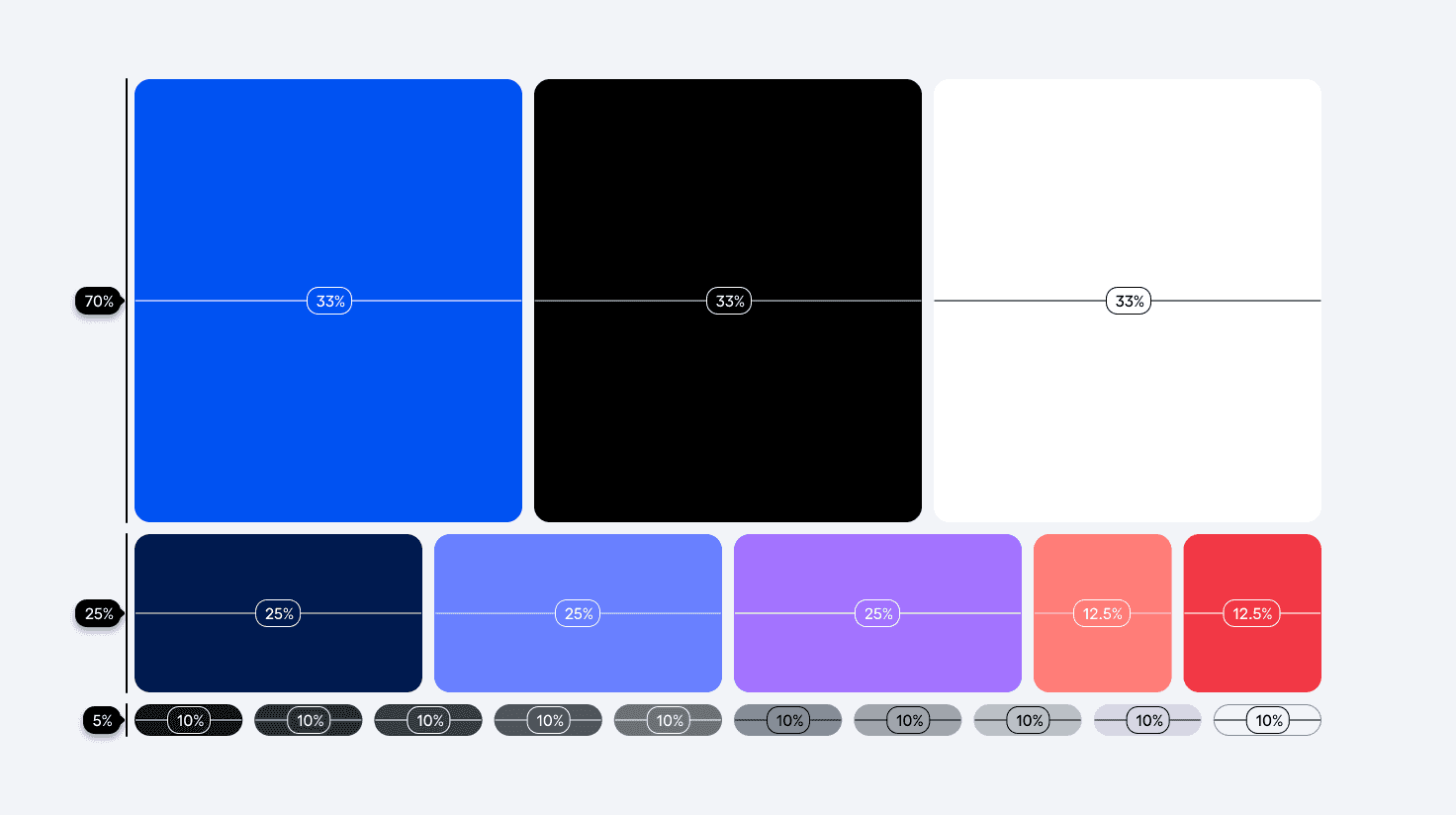
Shown below is a suggested color usage ratio to consider when mapping out branded layouts and experiences. We must always lead with our primaries, and secondaries should be used sparingly to provide intentional accents and support after our primary palette has been established. Furthermore, our pink and red secondary colors should be used minimally and with intention.
Usage
Allowances

Restrictions
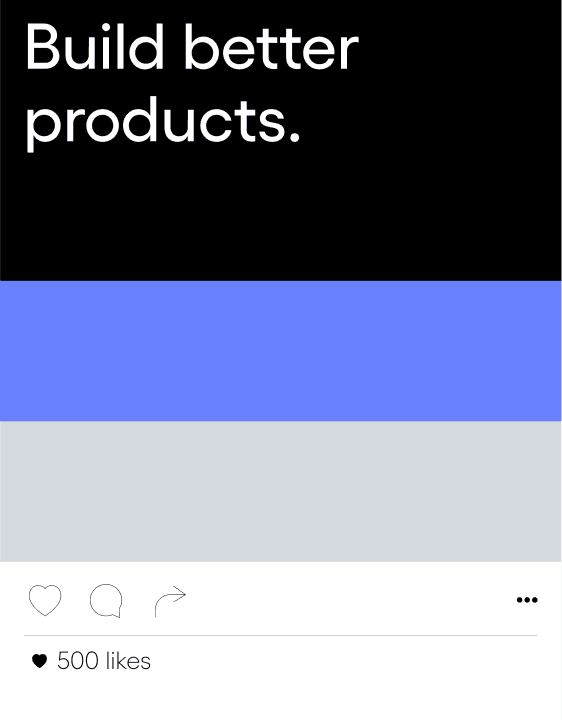
Do not lead with secondaries.
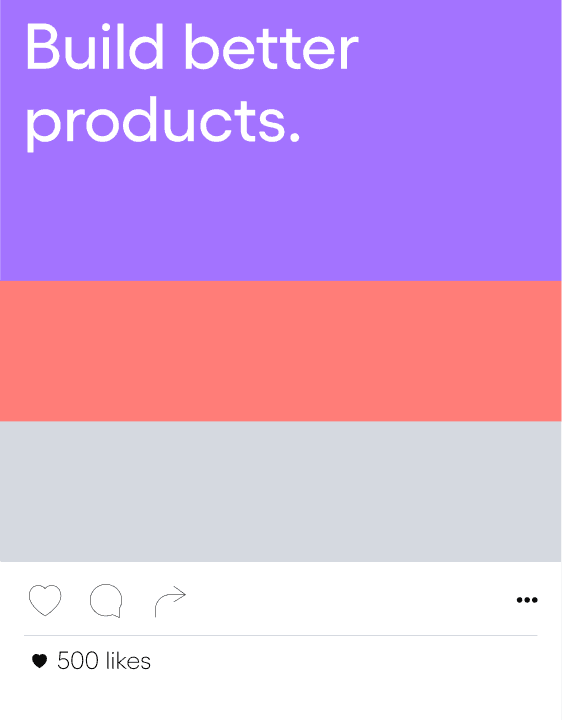
Do not lead with secondaries.

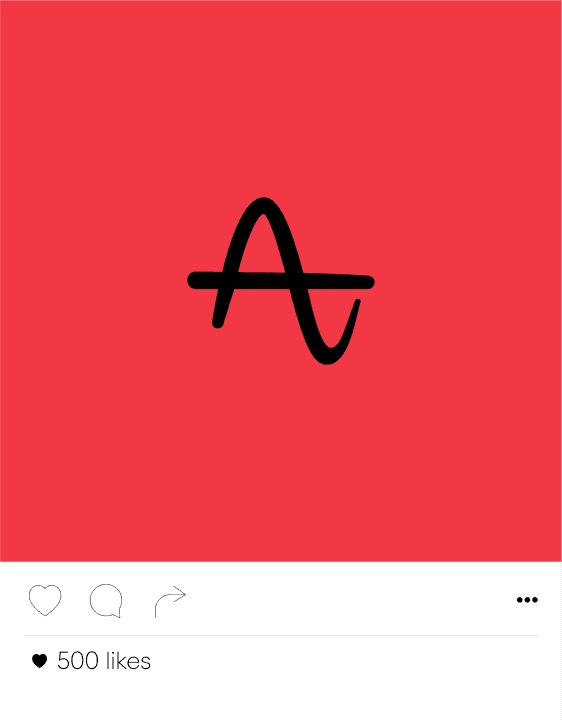
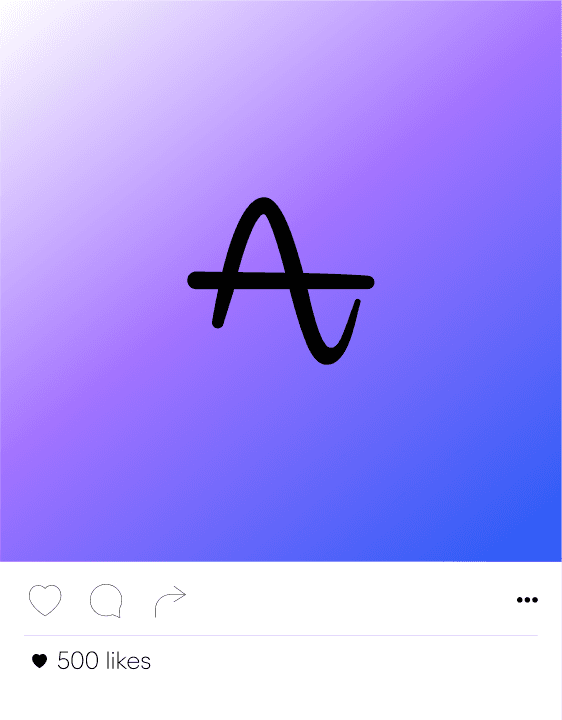
Do not use red in large quantities.
Gradients
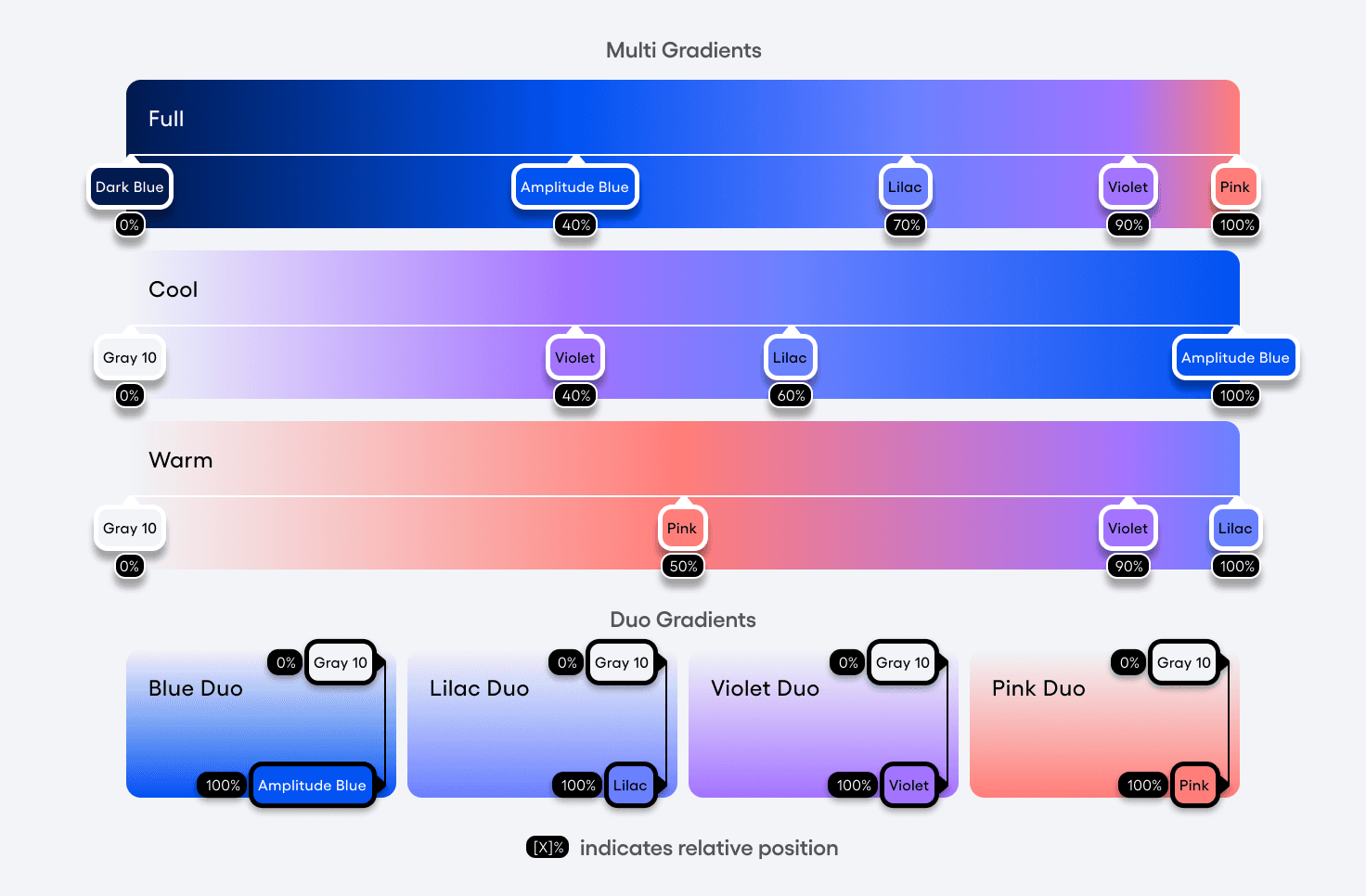
Amplitude colors can be combined to create gradients. These gradients create etherial backdrops to core brand elements and provide scenic depth for assets such as our Action Expressions. Gradients must compliment content, and never visually overpower or distract from core information.
We represent our gradients in both two-color (“Duos”) or several-color (“Multi”) variations. Recommended gradient schemes and their relative positions can be viewed below.
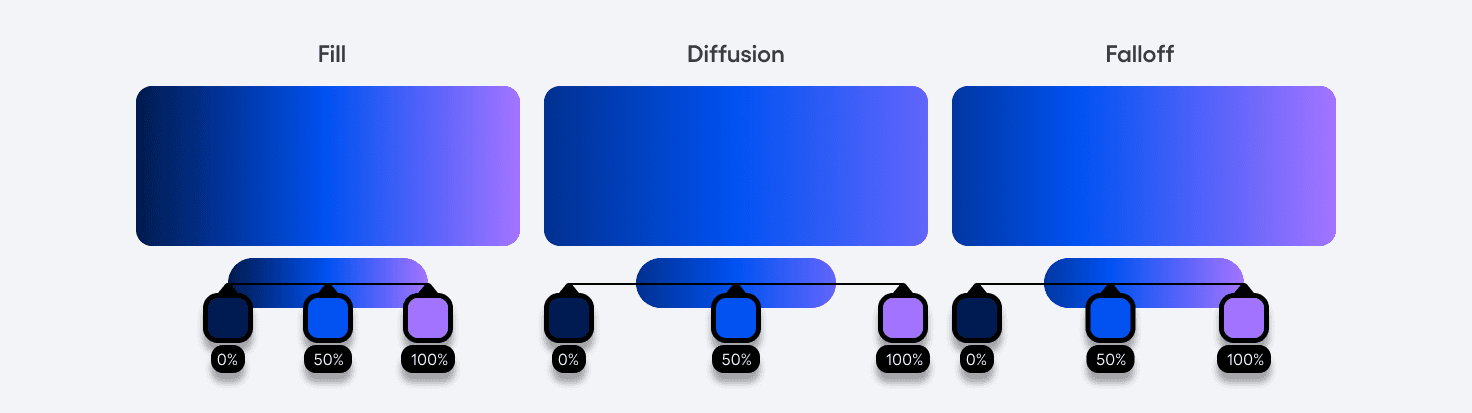
Adjusting our color stop positions within a shape or background can dramatically alter the tonal sensibility of the overall composition. We can either keep a gradient fully visible in its entirety (Fill), extend the ends of our gradient ramp and focus on a partial ramp (Diffusion), or keep one end of a gradient present as we trail the remainder out of frame (Falloff).
Data Visualization
When we need to showcase data across our graphs and charts, additional color variation may be required. We have a broader spectrum for this sole purpose of data visualization, which can be accessed by approved individuals here.
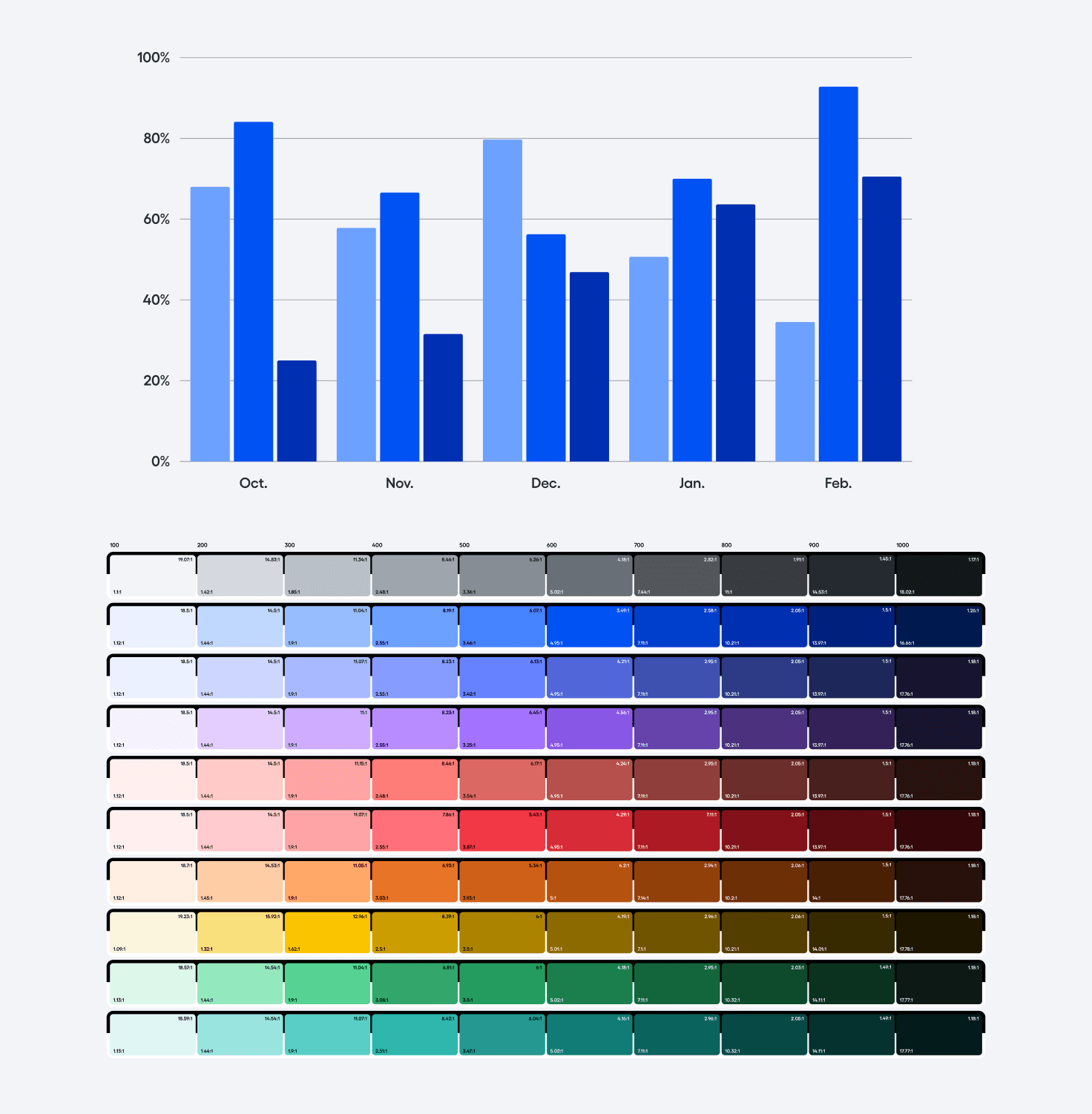
Usage
Considerations
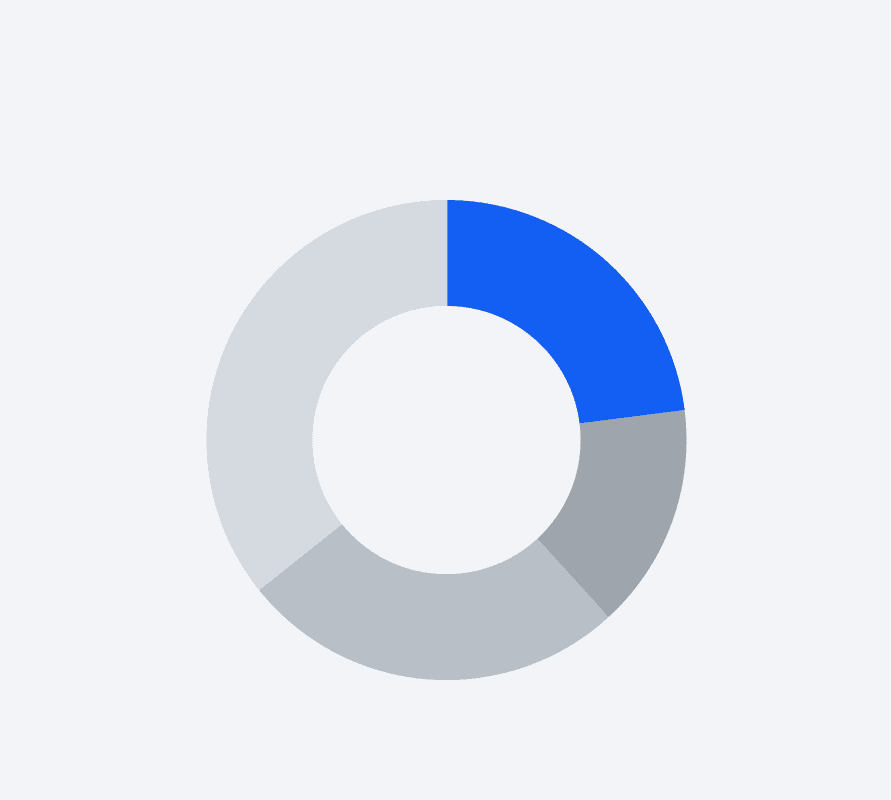
Do not lead with secondaries.
When we represent data, leading with our primary color helps reinforce Amplitude as the author. Using grays within data vis can also allow blue to be an accent to highlight key data points.
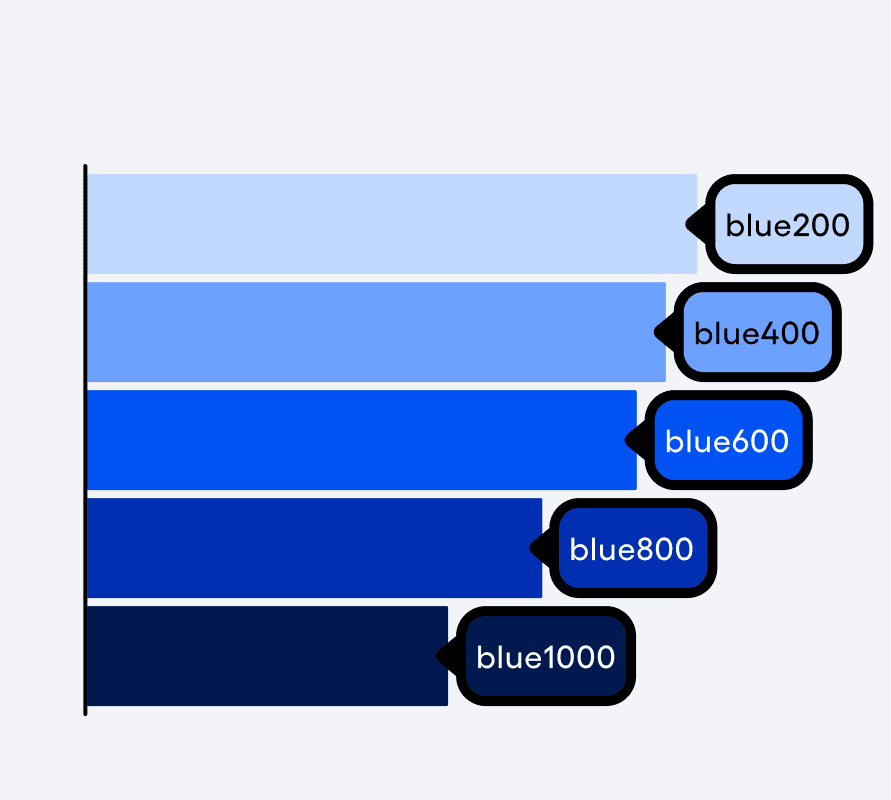
Stay monochromatic if possible.
To maintain sophistication and stylistic consistency, we always strive to color data monochromatically (tones of the same color hue). Depending on how many data sets you’re dealing with, try to colorize in only even sets or odd sets of values to maintain contrast.
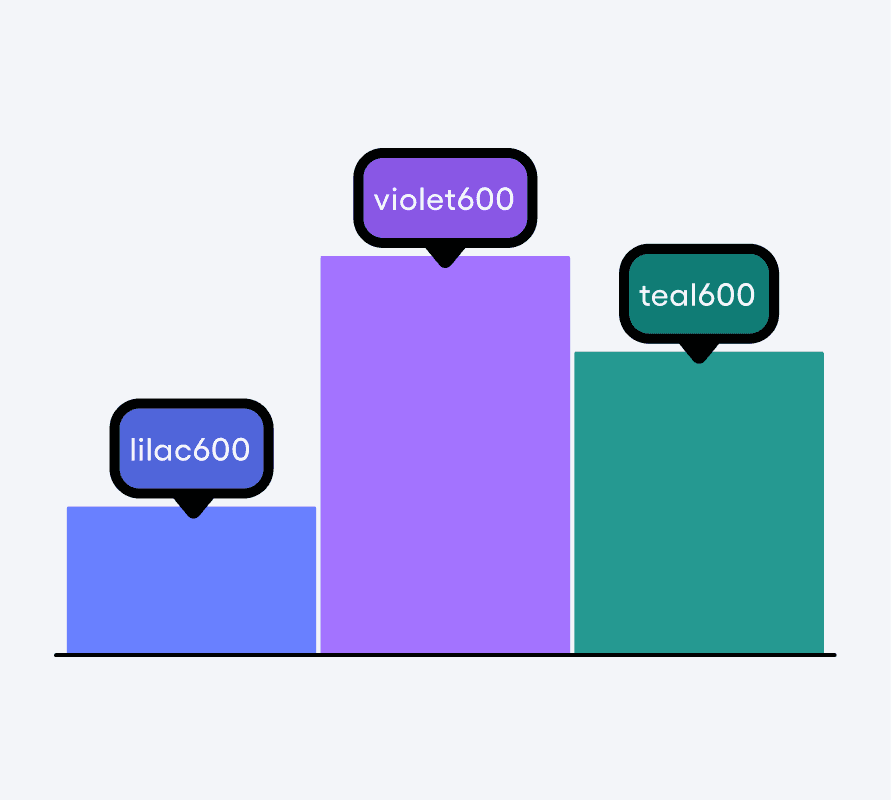
Compare using the same shade.
You may need to utilize different hues to better visualize data comparisons. When that is the case, try to use the same shading value across all used color hues.
Have questions?
Slack us @brand in the #marketing channel (internal Amplitude users only) or submit a request form.
Social
© 2026 Amplitude, Inc. All rights reserved. Amplitude is a registered trademark of Amplitude, Inc.